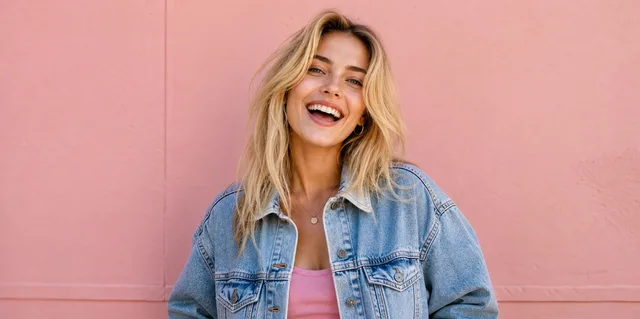
Upload Your Photo
Choose a photo from your phone, tablet, or computer. You can drag and drop an image, browse your files, or try a sample photo before uploading your own.
01
Upload Your Photo
Upload Image
JPG · PNG · WebP
Enhance photo quality online with AI: Fix blur, sharpen details, improve text clarity, and upscale images to 4K for portraits, products, screenshots, social posts, and old photos.
AfterOur free photo enhancer auto-detects portraits, objects, scenery, pets, text, old photos, and low-light images, then applies the right enhancement automatically.
AI Photo EnhancerDrag & drop or click to browse
Upload up to 10 images at once
Output Format
AI EnhancedTrusted by innovative teams at
Enhance photos in seconds with a simple AI workflow. Upload your image, choose the right enhancement mode, and let ZEnhancer sharpen details, reduce blur, and create a cleaner, high-quality result ready to download.
Choose a photo from your phone, tablet, or computer. You can drag and drop an image, browse your files, or try a sample photo before uploading your own.
01

Upload Image
JPG · PNG · WebP
Enhance photos online with AI to sharpen details, reduce blur, and restore clarity. No sign-up or software installation required—download watermark-free results using your available credits.

AI Photo Enhancer
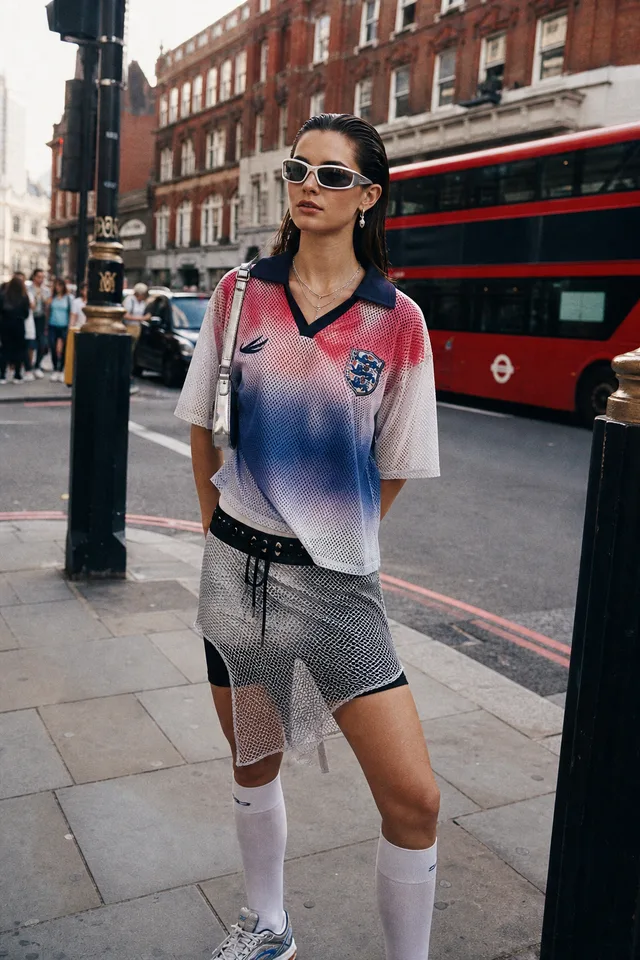
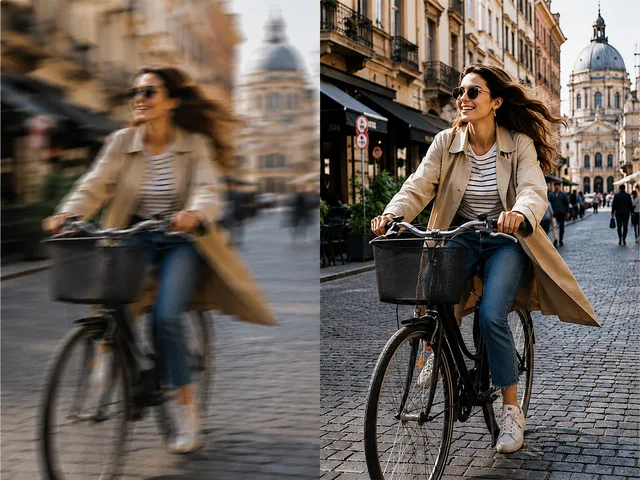
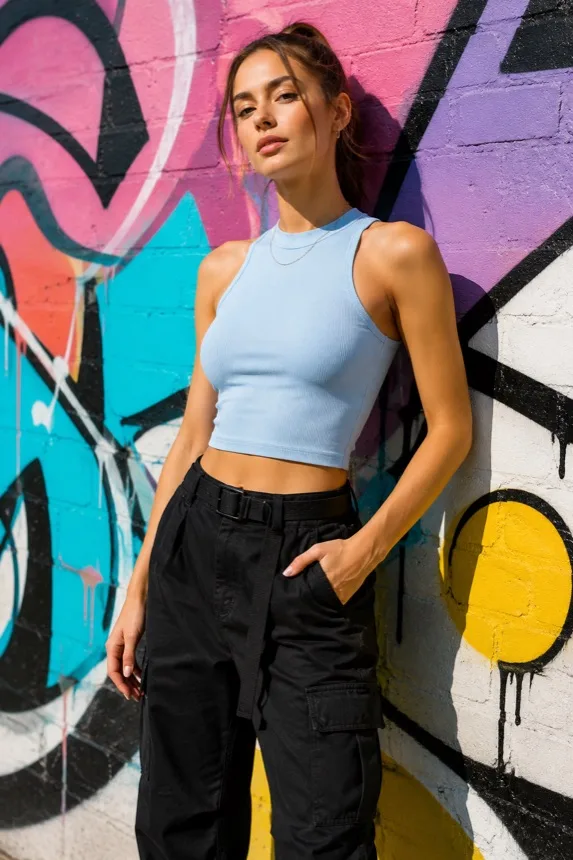
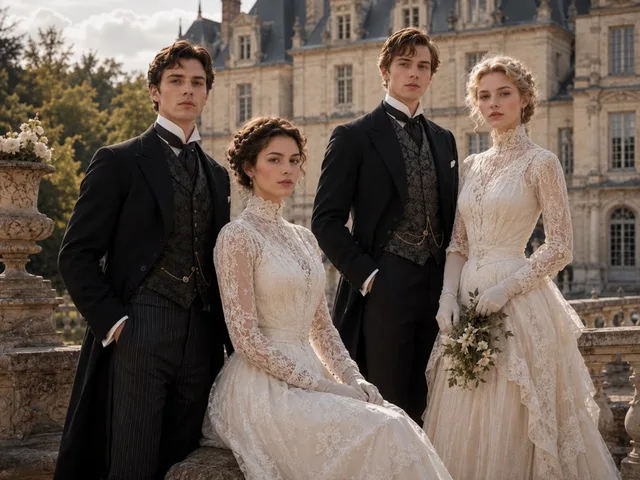
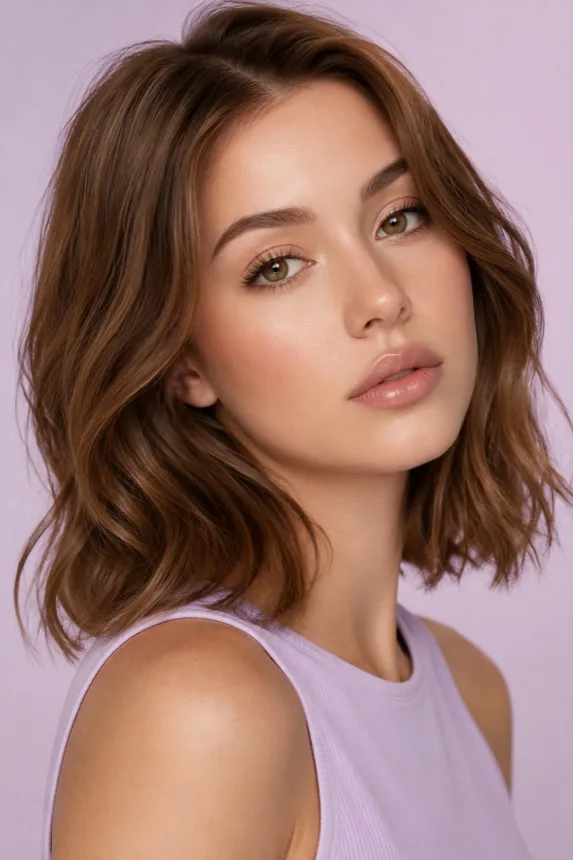
Use our AI photo enhancer to improve blurry portraits with sharper facial details, better lighting, and more natural color balance.

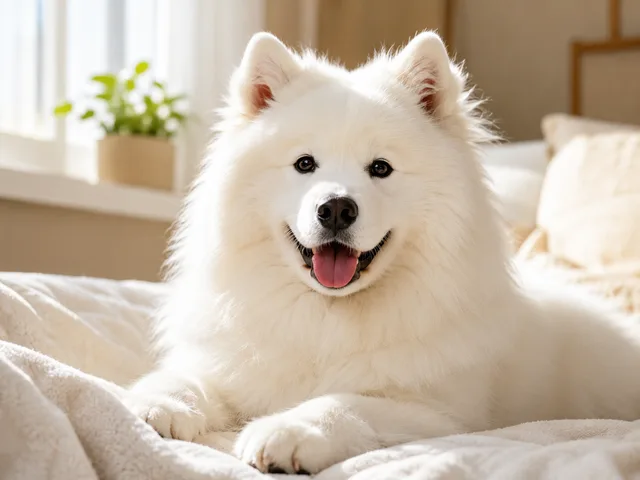
Clean up grainy pet photos and low-light images while keeping fur, texture, and details clear.

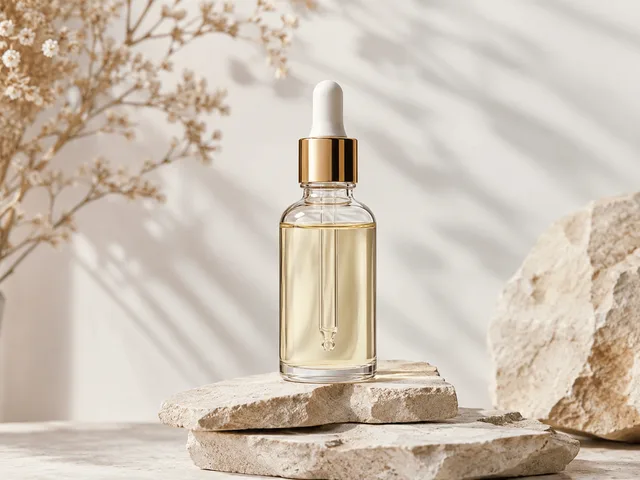
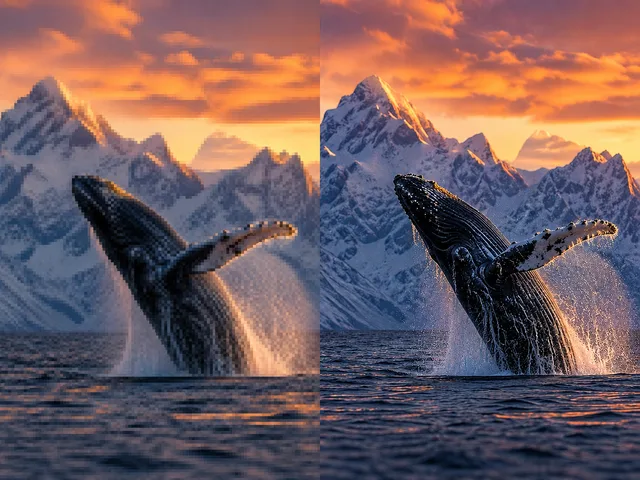
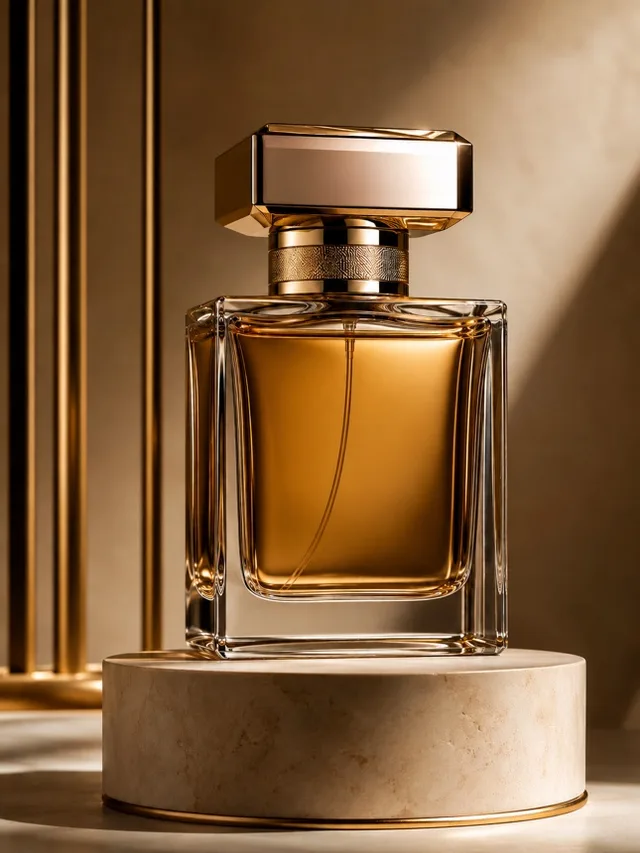
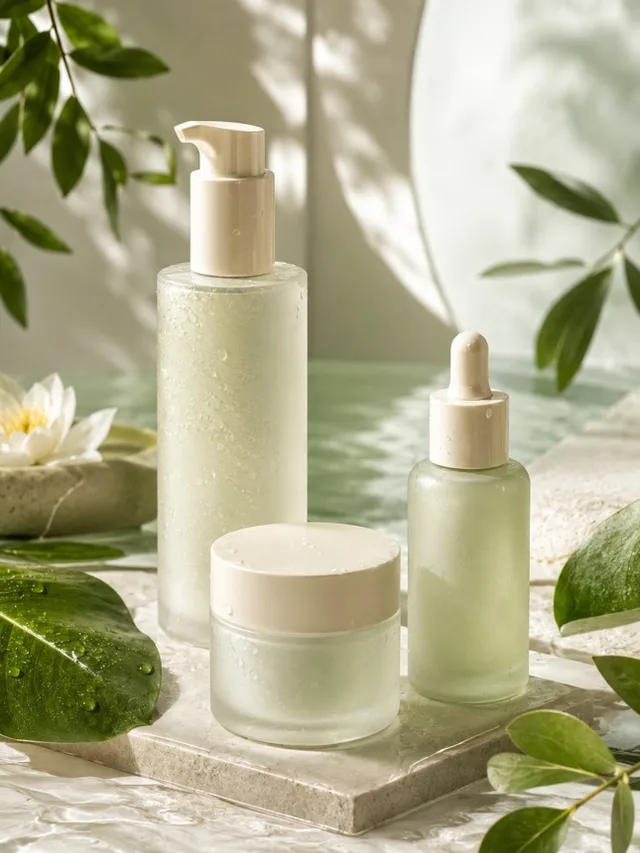
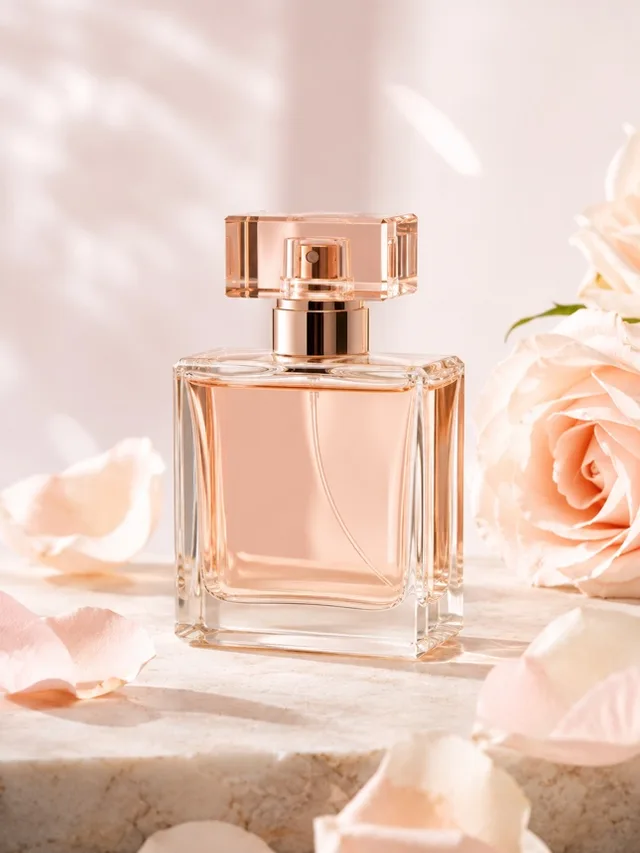
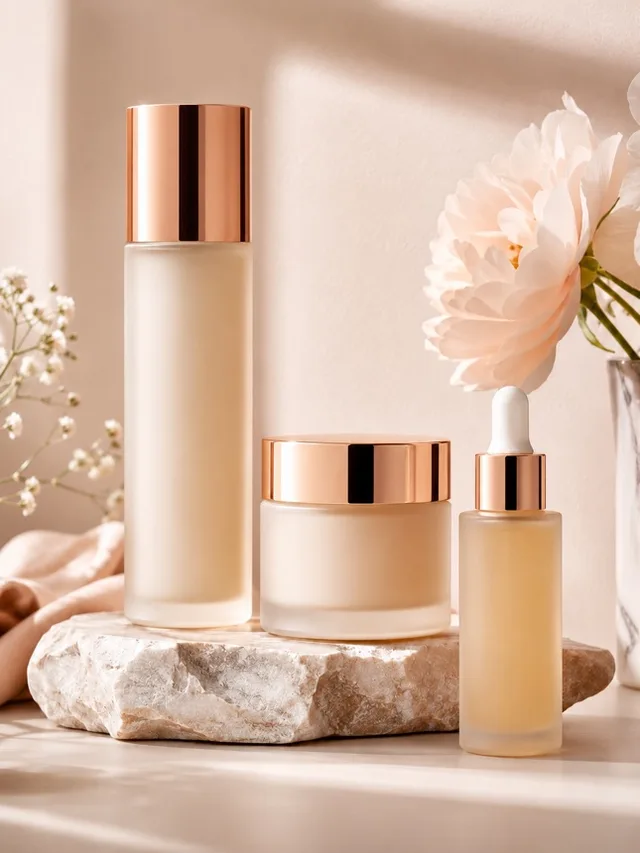
Upscale product photos with sharper edges, cleaner surfaces, and higher-resolution detail.

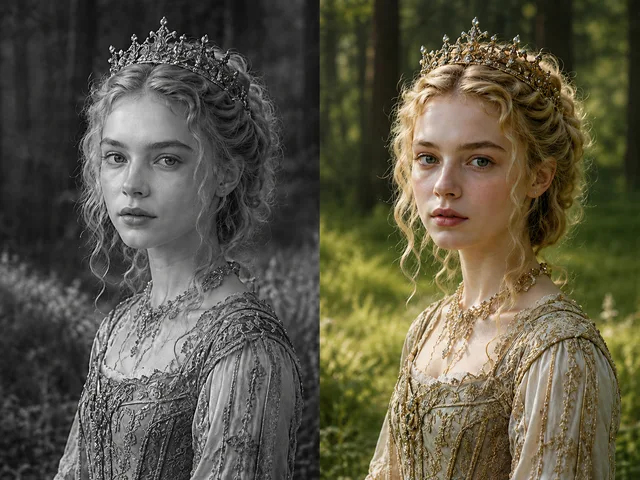
Add natural color to black-and-white family photos while preserving faces, clothing, and background details.

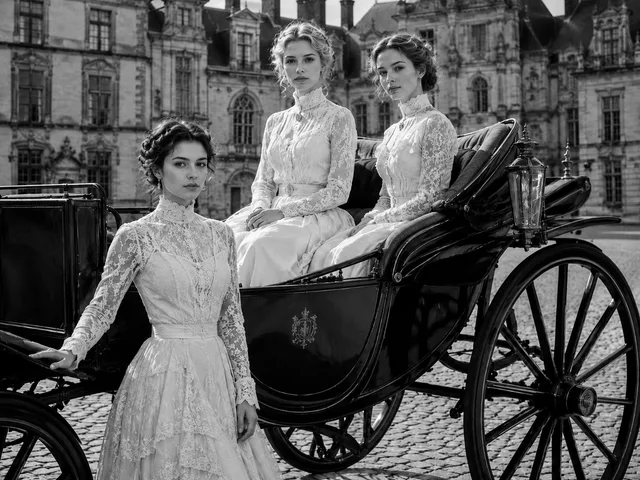
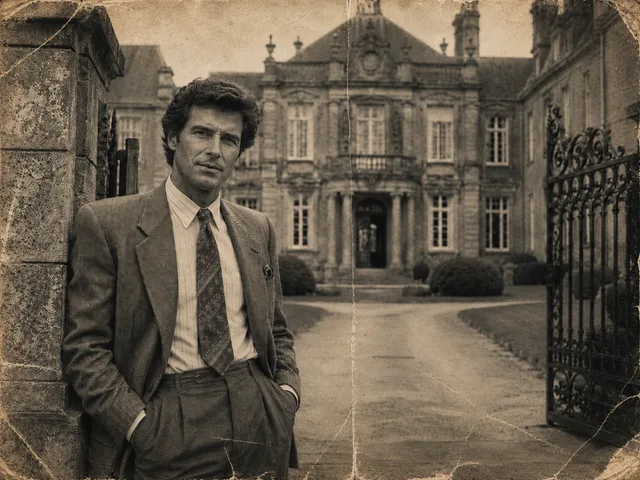
Repair faded vintage portraits with clearer texture, restored contrast, and a cleaner old-photo look.
Our photo enhancement suite gives you focused tools for every need: AI Photo Enhancer, Photo Upscaler, Unblur Image, Sharpen Photo, Photo Restoration, Denoise Photo, Enhance Product Photo, and Photo Colorizer—all free to use online.

Automatically enhance photos by improving sharpness, clarity, lighting, color, noise, and resolution based on the image you upload using our AI photo enhancer.

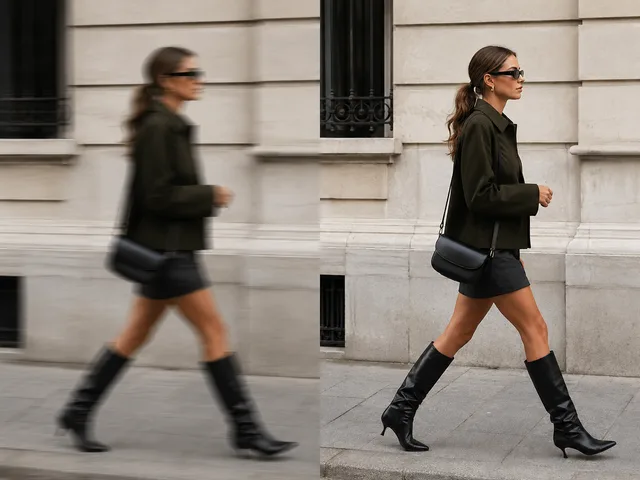
Fix blurry pictures caused by soft focus, slight camera shake, motion blur, compression, or low-quality saves using our free online photo enhancer.

Make edges, faces, objects, screenshots, and small visible details cleaner with our free photo enhancer—no complicated editing sliders needed.

Enhance ecommerce product photos to make them clearer, brighter, and more professional before uploading listings or ads with our free photo enhancer.
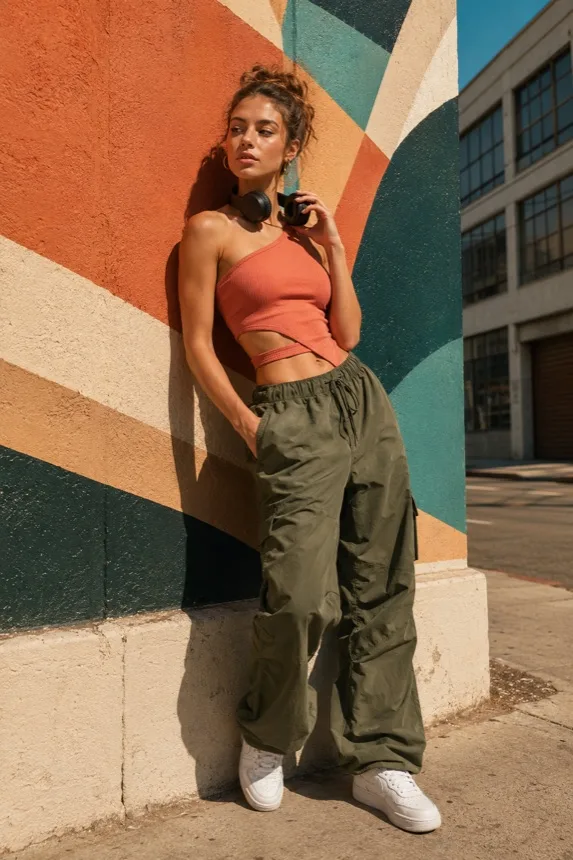
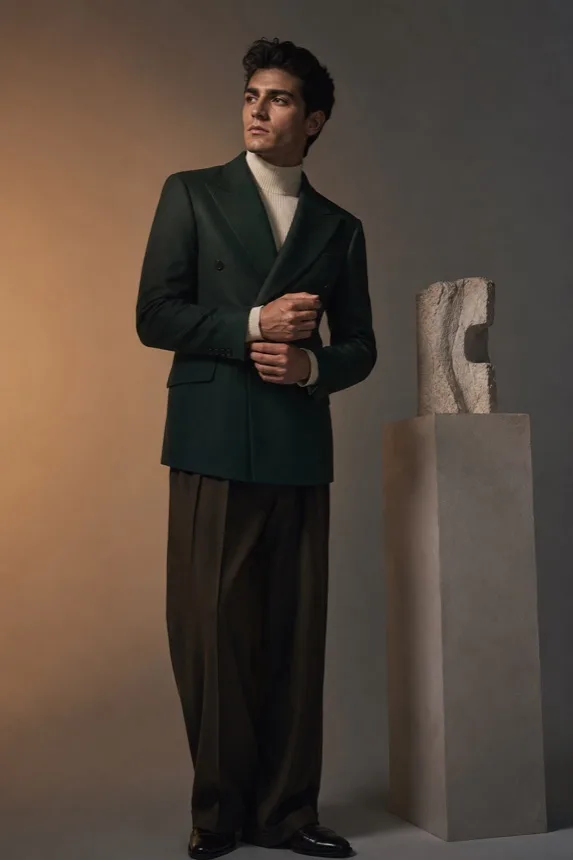
Photo Enhancer Free supports portraits, product photos, old images, dark photos, screenshots, and social media pictures. Each visual group below shows a practical reason someone might need to improve photo quality online.


People searching for a free photo enhancer usually want a quick result, not a complicated editor. Photo Enhancer Free is positioned as a simple, fast, and practical online tool for anyone who wants better image quality.
4.9
user rating
JPG
supported
PNG
supported
WEBP
supported
Users can test Photo Enhancer Free without paying upfront. If file size, daily usage, HD downloads, or batch processing have limits, those limits should be clear.
There is no need to download desktop software. Open the website, upload a photo, and enhance it directly in the browser.

Photo Enhancer Free automatically improves sharpness, clarity, lighting, color, noise, and resolution based on the photo.
Users should not need Photoshop experience. The best workflow is upload, enhance, preview, and download.
Use Photo Enhancer Free for portraits, products, old photos, social media images, travel photos, screenshots, and dark pictures.
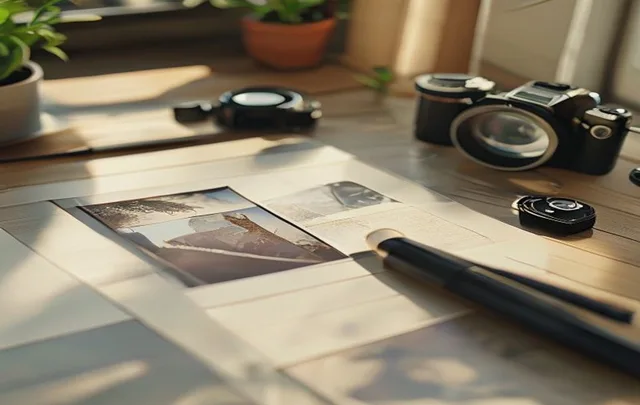
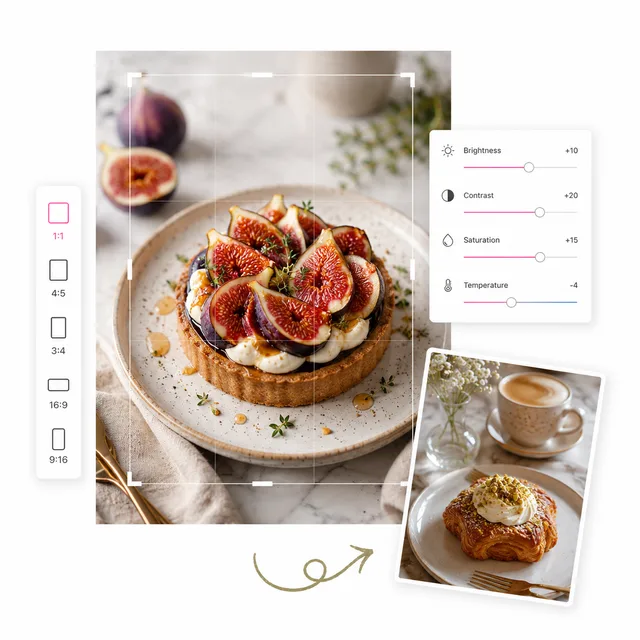
Before-and-after comparison helps users decide whether the enhanced result is good enough before download.
ZEnhancer is built for quick, private, no-download photo enhancement: upload a photo, preview the improvement, and keep moving.
Short tutorial paths help users understand common enhancement jobs before uploading a photo and give future inner pages a clear structure.

Learn the full workflow for improving a low-quality image with Photo Enhancer Free, from upload to preview and download.
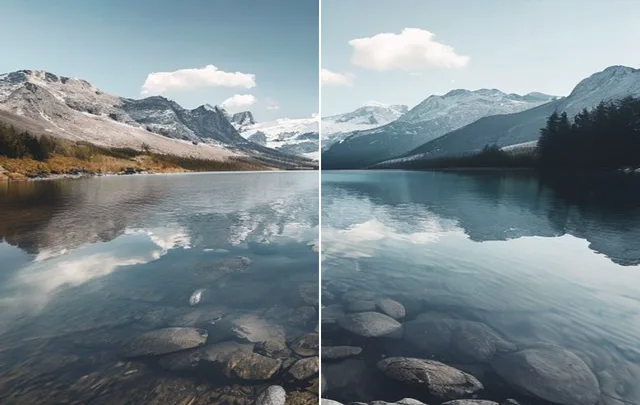
Understand resolution, HD output, and the difference between photo enhancement and image upscaling.

See when to use Unblur Image, when to use Sharpen Photo Online, and what blur limits to expect from AI enhancement.
Realistic workflows from creators, sellers, students, and families who need cleaner photos without heavy enhancing software.
Boutique Owner
"I use photo enhancer free to clean up product photos before posting new arrivals. It sharpens fabric texture without making the image look fake."

Teacher
"Old class photos used to take forever to fix. The photo enhancer free restore mode brings back faces and contrast quickly enough for parent newsletters."

Graduate Student
"For presentation slides, the photo enhancer free text clarity tool saves me. Screenshots look cleaner and easier to read after one upload."


Designer
"I still use pro tools for final edits, but ZEnhancer is perfect for fast client previews and everyday photo fixes."
Travel Creator
"A great shot can be ruined by low light or motion blur. With photo enhancer free, I get a clean version I can actually share."
Online Seller
"Batch enhance keeps my shop photos consistent. It brightens small product images and makes details easier to see."
Family Archivist
"We restored scans from an old family album before a reunion. The results felt natural, not overprocessed."
Social Media Lead
"Speed matters for daily content. With photo enhancer free, I can enhance portraits and campaign images in seconds without opening heavy software."
Boutique Owner
"I use photo enhancer free to clean up product photos before posting new arrivals. It sharpens fabric texture without making the image look fake."
Teacher
"Old class photos used to take forever to fix. The photo enhancer free restore mode brings back faces and contrast quickly enough for parent newsletters."
Graduate Student
"For presentation slides, the photo enhancer free text clarity tool saves me. Screenshots look cleaner and easier to read after one upload."
Designer
"I still use pro tools for final edits, but ZEnhancer is perfect for fast client previews and everyday photo fixes."
Travel Creator
"A great shot can be ruined by low light or motion blur. With photo enhancer free, I get a clean version I can actually share."
Online Seller
"Batch enhance keeps my shop photos consistent. It brightens small product images and makes details easier to see."
Family Archivist
"We restored scans from an old family album before a reunion. The results felt natural, not overprocessed."
Social Media Lead
"Speed matters for daily content. With photo enhancer free, I can enhance portraits and campaign images in seconds without opening heavy software."

Improve low-quality photos with AI-powered enhancement tools. Fix blur, boost sharpness, upscale to higher resolution, restore damaged images, and make every photo look cleaner online.
Together, these 8 ZEnhancer tools cover enhancement, upscaling, unblurring, sharpening, restoration, denoise, product cleanup, and photo colorization.
Clear answers about using our free AI photo enhancer: supported formats, fixing blurry photos, restoring old photos, browser compatibility, mobile support, and practical limits for online photo enhancement.
Photo Enhancer Free is an online tool that uses AI to improve photo quality. It can help sharpen blurry photos, improve lighting, restore details, reduce noise, and make low-quality images look cleaner.